A useful website answers questions and makes contact straightforward. The enquiry path deserves the same attention as the photographs and layout.
Choose the main action
Decide what you want a visitor to do next. A booking, a project enquiry and a visit to a café need different information and different wording.
Keep the main action consistent through the page. Place the link after useful information, so visitors reach the next step with some context.
Ask for enough to begin
Long forms create more work before the conversation has started. Keep detailed questions for the next stage unless an answer is needed to assess the enquiry.
A short first message gives both sides a starting point. Ask for the details needed to respond and explain what happens after the form.
- A name and a way to reply.
- The service, place or project the enquiry concerns.
- A short description of the request.
- Timing or dates when those details affect the response.
Make the destination clear
Use labels such as “Book a stay”, “View the menu” or “Start a project”. A button should say what follows. An enquiry form, an external booking service and an email link each create a different next step.
Keep the description accurate. If a form prepares an email instead of sending a message, explain the behavior before the visitor presses the button.
Follow the route on a phone
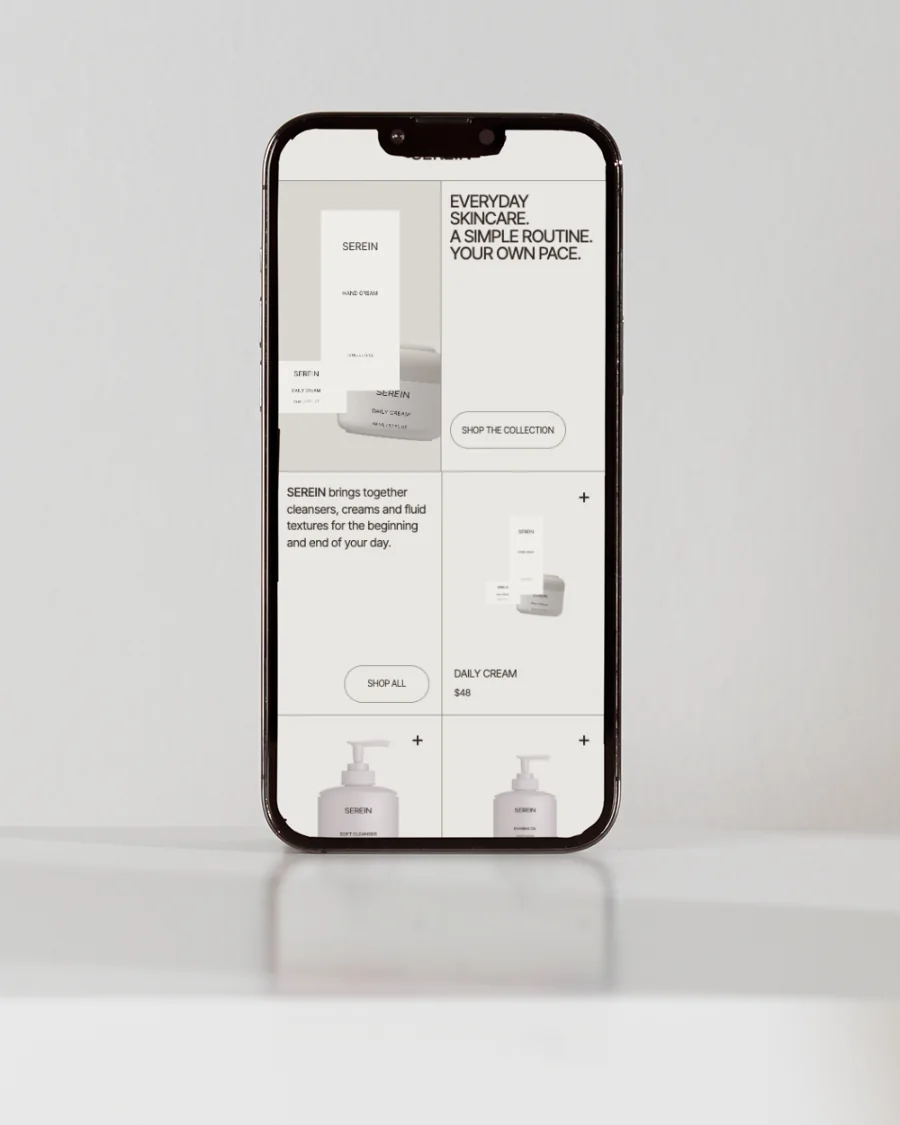
Read the page on a phone and follow the enquiry path from start to finish. Check text sizes, spacing, link targets and any confirmation message.
Make sure contact information is easy to find. The route should feel consistent from the opening message to the point where a conversation begins.